Direct manipulation
Dragging, rotating or selecting a position directly controls the answer or physical outcome.
Daily games, critically selected.
Help players find daily browser games with direct controls when they do not want a conventional typing-led word or trivia round.
Six games built around tapping, dragging, ranking, or direct visual choices instead of entering an answer through a conventional text field.
A keyboard is not the only way to make a good daily decision. This route moves from physical aiming to globe placement, color judgment, image comparison, ranking, and tile selection while keeping every interaction grounded in the verified controls of the game.
Independently selected · Reviewed July 28, 2026
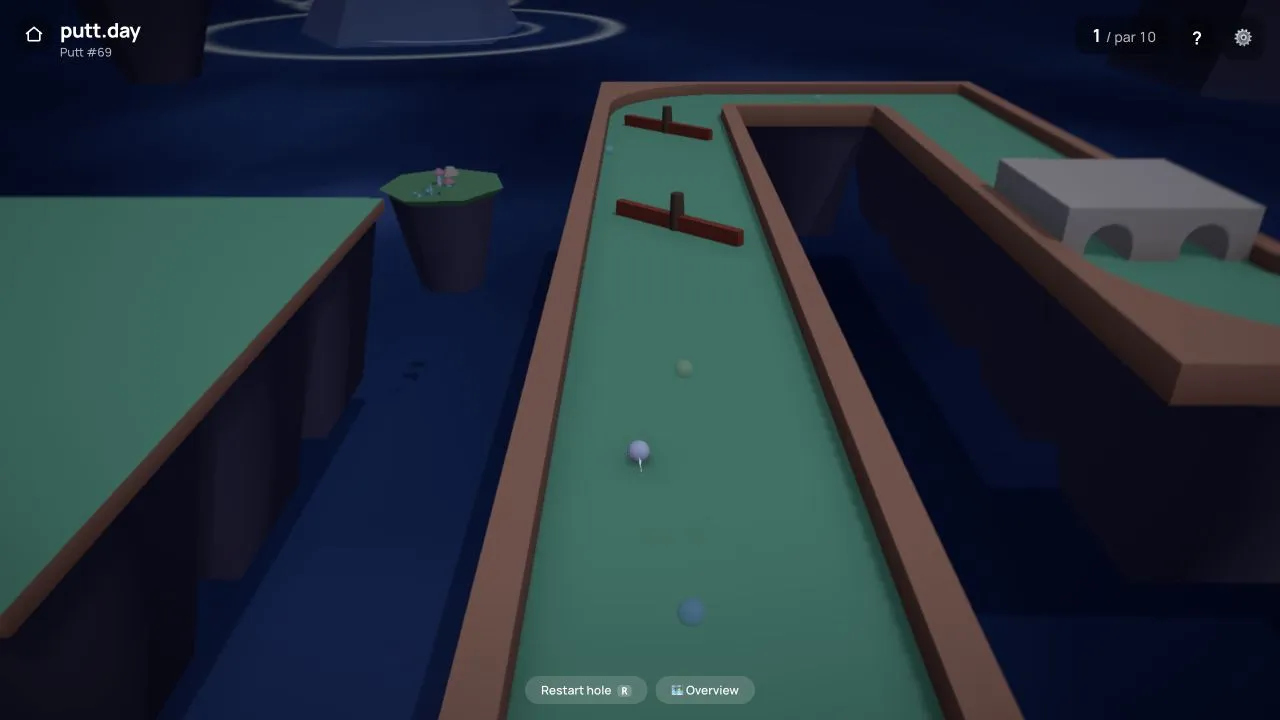 Start with putt.dayDragging backward from the ball controls both direction and power, making the physical gesture the central decision rather than a wrapper around a typed answer.
Quick answer
Start with putt.day for the clearest physical control, choose ColorGuesser for a precise point-and-reveal decision, or use Factle when you want structured reasoning without entering an answer.
One backward drag sets direction and power before the ball follows the chosen route.
Best direct visual choiceColorGuesserPick one position on a color wheel and compare it with the measured target.
Best no-typing reasoningFactleArrange five supplied answers and revise the order from positional feedback.
The definition
The primary decision must be made through direct manipulation, selection or arrangement. An on-screen keyboard that still asks for a conventional text answer does not meet the boundary.
Dragging, rotating or selecting a position directly controls the answer or physical outcome.
Images, facts or visible tiles provide the material the player arranges or selects.
The control changes the reasoning itself rather than acting as a decorative submit mechanism.
Choose a route
Pick between physical aiming, globe placement, color pointing, image choice, ranking and visible tile selection without falling back to a conventional answer field.
Drag from the ball to combine direction and power in one physical decision.
I want to place a pointMapTapRotate the globe and tap the location implied by a short geographic clue.
I want to choose a colorColorGuesserUse a continuous wheel to translate a color name into one visual position.
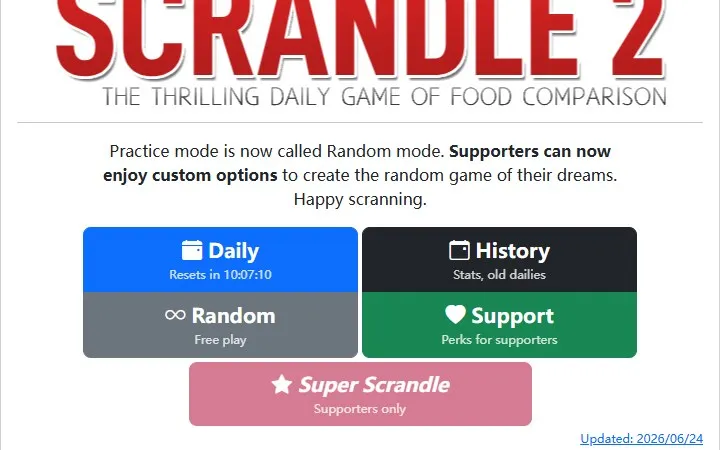
I want a simple choiceScrandleSelect one of two food images before the public preference is revealed.
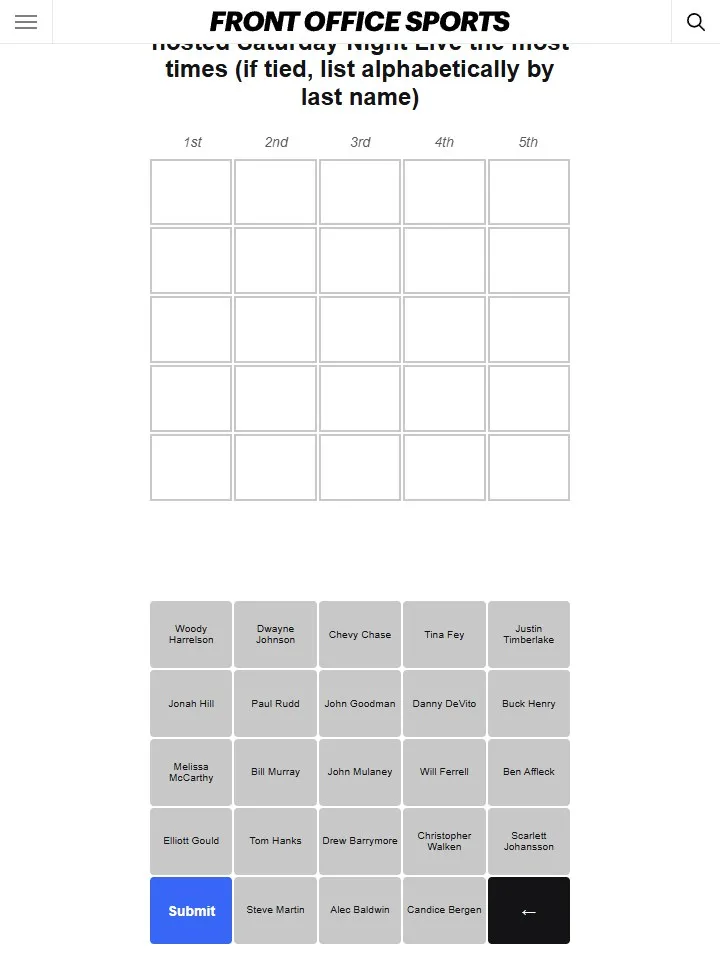
I want to arrangeFactlePut five supplied answers in order and repair the ranking from feedback.
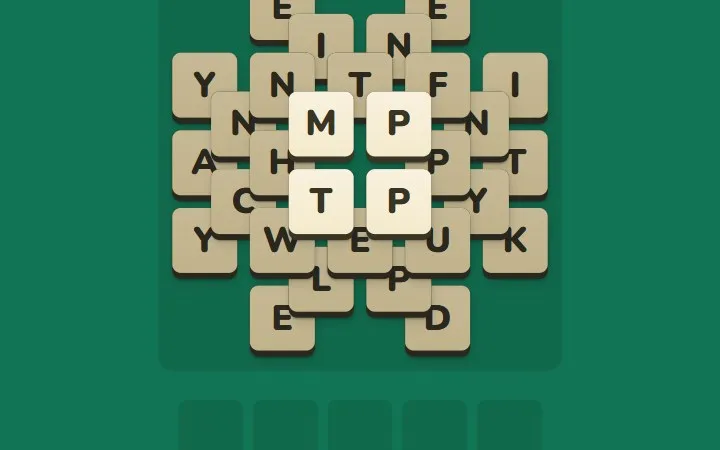
I want to tap a boardStackdownSelect exposed letter tiles to form words and uncover the next layer.
The curated set
Every selection makes dragging, tapping, ranking or choosing the primary interaction rather than substituting an on-screen keyboard for ordinary typing.
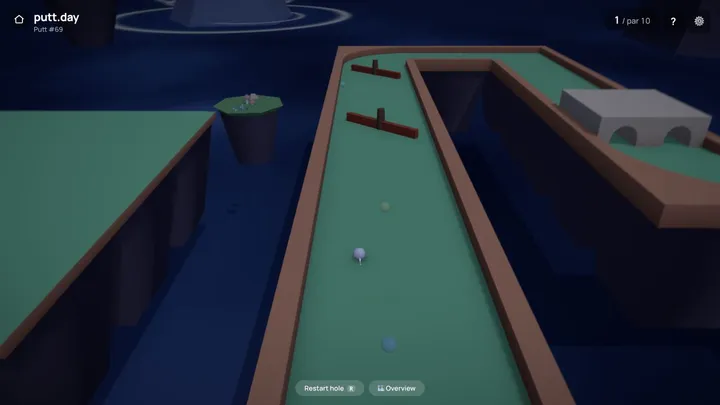
Start here
Dragging backward from the ball controls both direction and power, making the physical gesture the central decision rather than a wrapper around a typed answer.
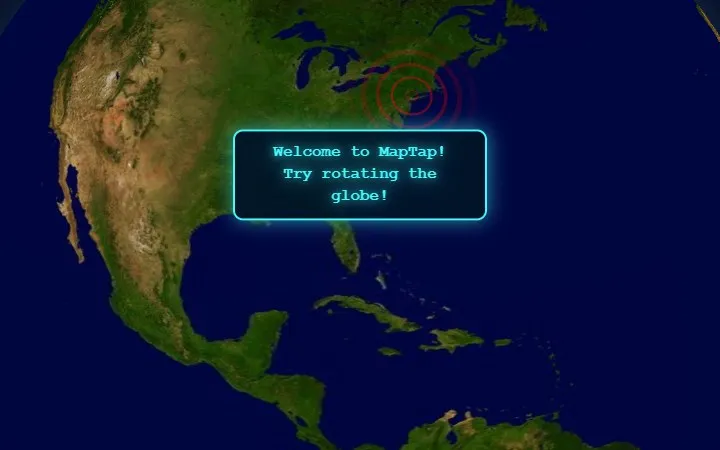
Rotate · tap
Rotating a globe and committing one tap turns geographic knowledge into a spatial placement task with no answer field to complete.
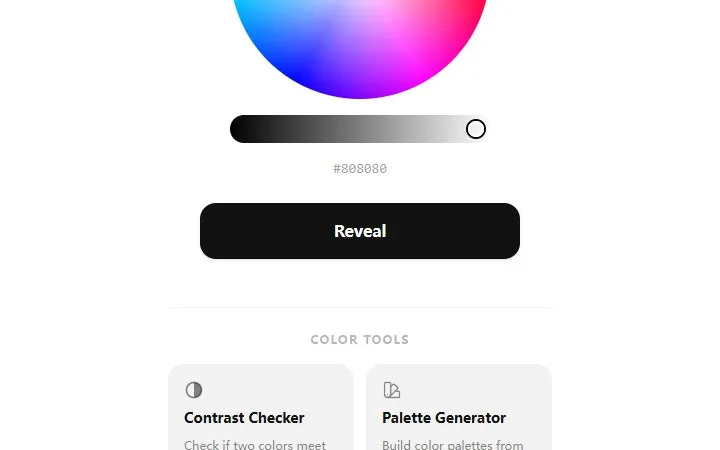
Point · color
The color wheel asks for a direct perceptual choice, then measures the distance between the selected color and the named target.
Choose · image
Each round is resolved by choosing between two food images, so the whole interaction remains visual and immediately comparable.
Arrange · rank
Players arrange five supplied answers into an order and revise that ranking from feedback instead of recalling and typing one exact response.
Tap · tiles
Exposed letter tiles are selected directly from a layered board, tying each word to the physical sequence in which the stack is cleared.
At a glance
The games share a no-text-entry boundary but differ in whether the player controls motion, position, perception, choice, order or a layered board.
| Game | Primary control | Main task | Feedback | Knowledge load |
|---|---|---|---|---|
| putt.day | Drag and release | Aim a mini-golf shot | Ball path and strokes | Route and physics |
| MapTap | Rotate and tap | Place a location | Geographic distance | Place recall |
| ColorGuesser | Color wheel | Match a named color | Target distance and score | Visual perception |
| Scrandle | Select one image | Predict public preference | Crowd verdict | Visual judgment |
| Factle | Arrange five items | Build a ranking | Position feedback | Factual comparison |
| Stackdown | Tap exposed tiles | Form valid words | New board layer | Vocabulary and planning |
How to choose
It makes one continuous gesture the whole decision and gives an immediately visible physical result.
Use it when you want a quiet visual judgment rather than movement, recall or a supplied set of facts.
The answer material is already on screen, so the challenge is ordering and revision instead of exact recall.
It keeps word formation but replaces the text field with direct selection from a changing tile layout.
Editorial boundary
A visible button is not enough. These games qualify because direct manipulation shapes the puzzle itself instead of merely submitting text.
A touch keyboard does not qualify when the central task remains entering a conventional text answer.
Clicking a submit button is not enough; the direct control must shape the puzzle or answer itself.
The collection requires an active drag, placement, choice, arrangement or board selection rather than only viewing a reveal.
Selection method
Questions, answered
putt.day is the clearest physical choice, while ColorGuesser is easier if you prefer one direct visual decision.
MapTap lets players rotate a globe and tap one location instead of entering a place name.
Stackdown uses taps on exposed letter tiles, though players still need to form valid five-letter words.
Factle supplies the five answers and asks the player to arrange them, then revise the order from feedback.
The interaction avoids conventional typing, but device-specific usability varies; each game detail page reports only verified mobile information.